
MTK Engineering Mode
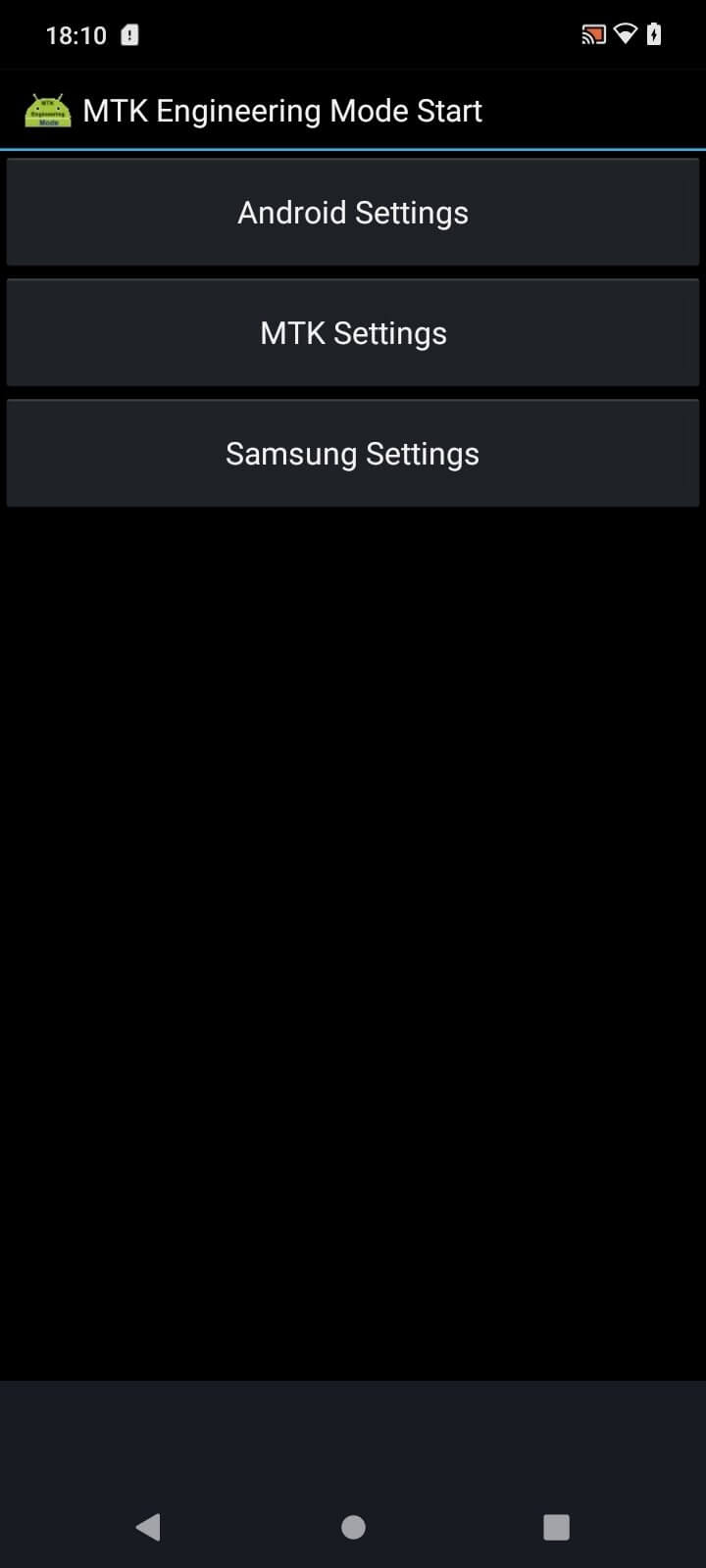
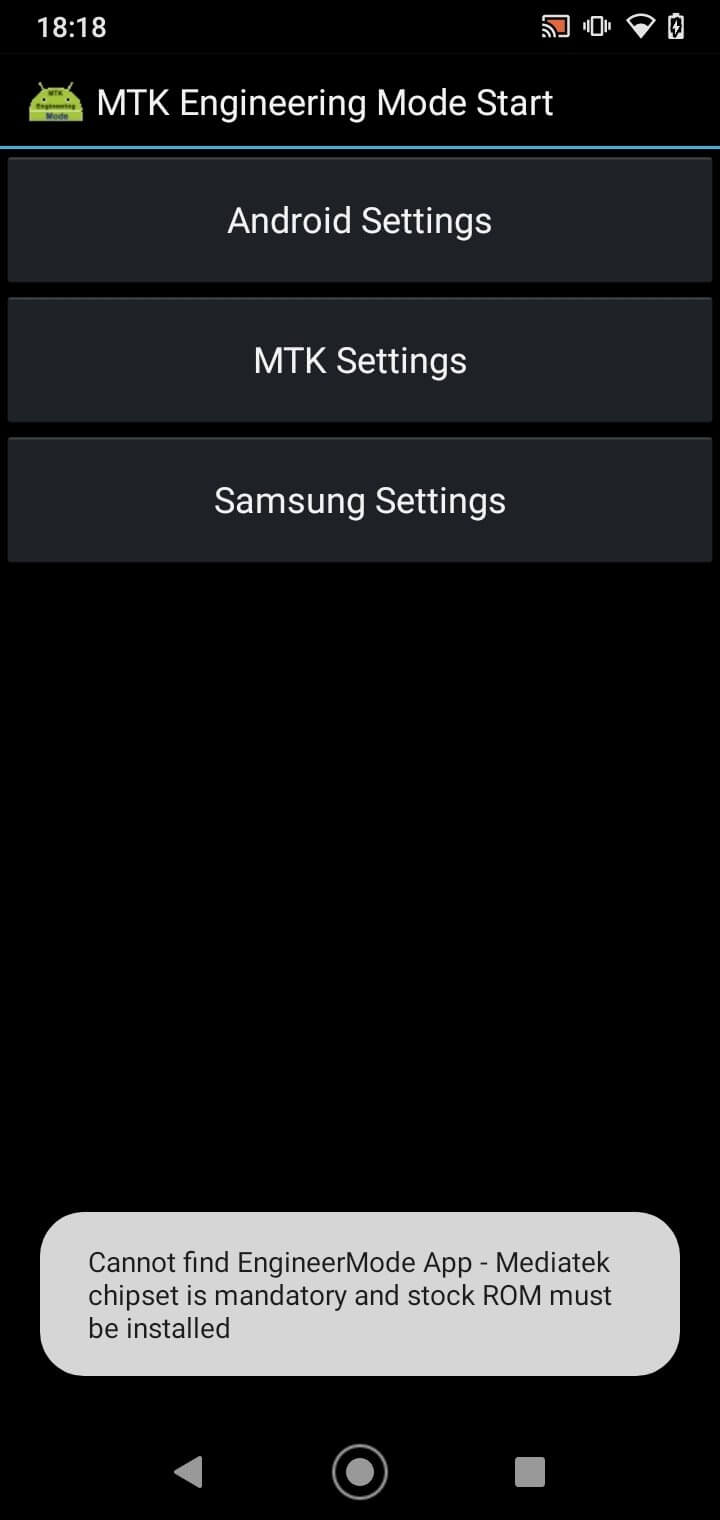
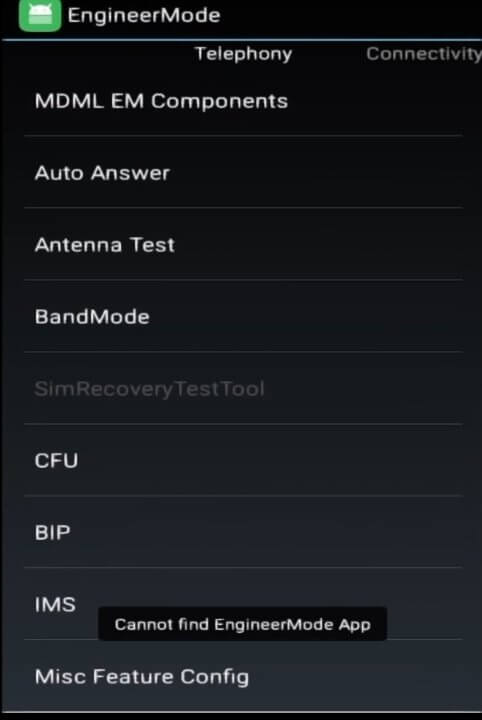
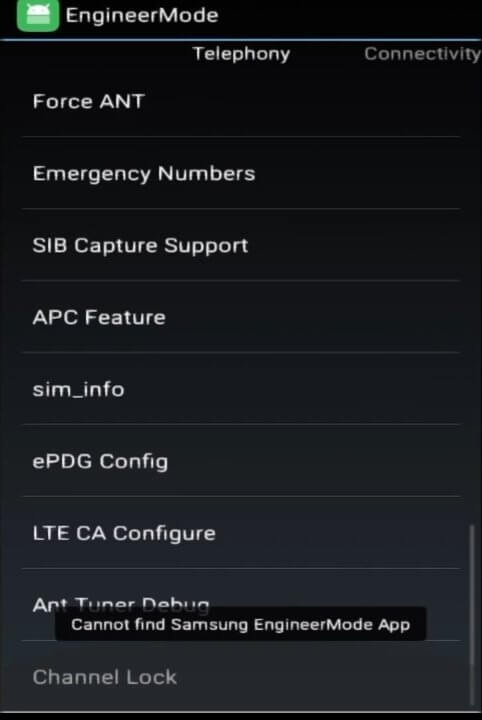
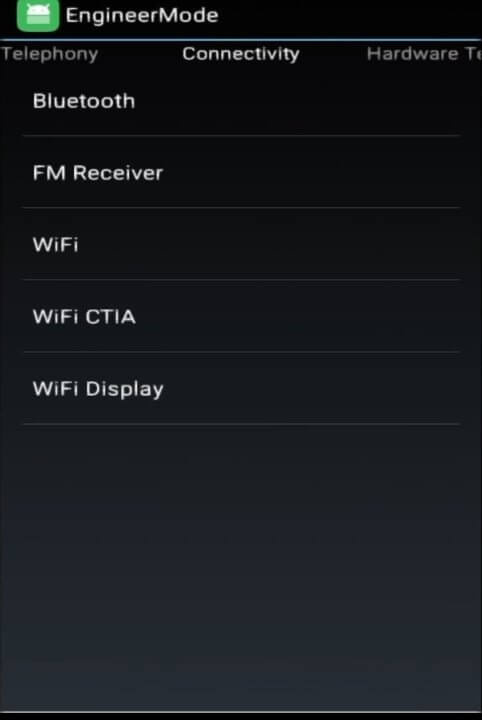
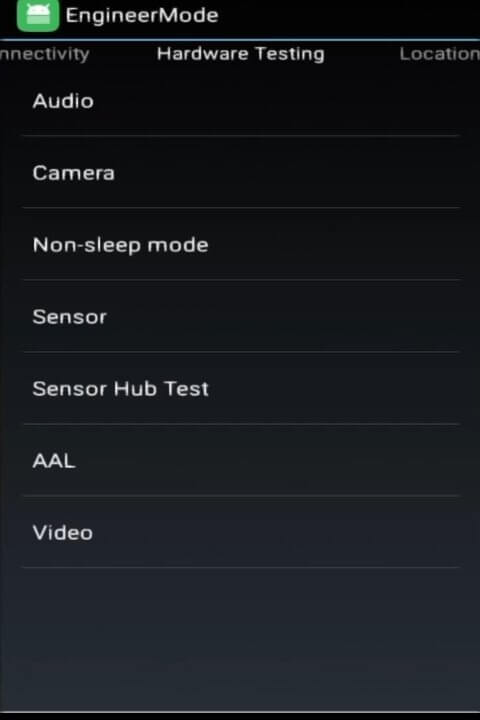

MTK Engineering Mode is a utility designed for Android phones that use MediaTek chipsets. It unlocks a hidden menu where you can view detailed hardware information and adjust certain parameters that are normally inaccessible.
This page gives you the latest official version (1.21), explains what the app does, how to install it safely, and what to watch out for.
Quick Information
| App/Game Name | MTK Engineering Mode |
| Latest Version | 1.21 |
| Developer | Not listed |
| Category | Apps / Tools |
| App Size | 3.73 MB |
| Package Name | com.themonsterit.EngineerStarter |
| Last Updated | 14 January 2026 |
What Is MTK Engineering Mode?
The app serves as a front‑end to MediaTek’s engineering mode, exposing options such as radio band selection, network mode tweaks, audio enhancements, and battery‑saving settings. It is aimed at power users, developers, or anyone who wants deeper insight into their device’s performance.
Because the tool works only on MediaTek‑based phones, it will show limited or no data on devices with other processors. The app does not require root, but some options may be unavailable without elevated privileges.
Compatibility
| Android Version | Not Verified |
| Architecture (ARM64 / 32-bit) | Not Verified |
| Internet Connection | ✓ Verified — May be required for ads, updates, or login |
| Storage Needed | Not Verified |
| OBB/Data Files | Not Verified |
| Root Required | Not Verified |
How to Install
- Download the MTK Engineering Mode APK file from this page.
- On your device, go to Settings → Security → Install unknown apps (or similar) and enable installation from the source you used (browser, file manager, etc.).
- Open the downloaded
MTKEngineeringMode.apkand follow the on‑screen prompts to install. - Once installed, launch the app and grant any requested permissions (e.g., Phone, Location) so it can read hardware data.
- If you see a warning about the app being from an unknown developer, confirm that you trust the source before proceeding.
Troubleshooting
- App not installed: Ensure the APK is fully downloaded and that your Android version allows installations from unknown sources.
- Crashes on launch: Clear the app cache via Settings → Apps → MTK Engineering Mode → Storage, then restart the app.
- Missing options: Some features require root access or are only available on specific MediaTek chipset models.
- Permission errors: Re‑grant required permissions in Settings → Apps → MTK Engineering Mode → Permissions.
Safety & Security
MTK Engineering Mode is a standard APK, not a modified build. As with any third‑party installer, verify the file’s integrity from a reputable source before installing. Review the permissions the app requests; it typically needs access to Phone, Location, and Storage to display hardware details. Avoid entering personal or financial information within the app, as it is not designed for such use.
How MTK Engineering Mode Compares
| Feature | MTK Engineering Mode | CPU‑Z | AIDA64 |
|---|---|---|---|
| Price / Free model | Free | Free with ads | Free with optional premium |
| Platform availability | Android only (MediaTek devices) | Android, iOS | Android, iOS, Windows |
| Standout feature | Direct access to MediaTek engineering settings | Comprehensive hardware specs | Detailed system diagnostics and benchmarks |
| Best for | MediaTek power users who need low‑level tweaks | General hardware overview | In‑depth system analysis |
Alternatives
If MTK Engineering Mode doesn’t meet your needs, consider these well‑known tools:
- CPU‑Z – Provides a quick snapshot of CPU, GPU, battery, and sensor data for any Android device.
- AIDA64 – Offers extensive system information, benchmark scores, and sensor readouts across multiple platforms.
- Phone Tester (MTK) – Focuses on MediaTek devices, offering network and radio tests alongside basic hardware info.
Final Verdict
MTK Engineering Mode is a useful, free utility for owners of MediaTek‑powered phones who want to explore hidden settings and fine‑tune performance. It works without root for most read‑only features, though deeper tweaks may need elevated privileges. Before installing, confirm that your device runs a MediaTek chipset and that you download the APK from a trustworthy source.
Frequently Asked Questions
No. It only provides full functionality on devices that use MediaTek processors; on other chipsets many options will be unavailable.
Root is not required for basic information and read‑only settings, but some advanced tweaks may need root access.
It typically asks for Phone, Location, and Storage permissions to read hardware data and save any configuration files.
The app was last updated on 14 January 2026 and should install on Android 10 and newer, but compatibility with the very latest Android releases is not officially confirmed.
The app itself uses minimal resources; however, enabling certain performance‑boosting options may increase power consumption.
We provide the APK directly; always verify the file’s source and scan it with your preferred antivirus before installing.
Since this is not a Play Store app, you’ll need to manually download and install newer versions when they become available.
The official version is free and does not display ads or offer in‑app purchases.